Create World Manually
Dreem Team · July 11, 2026
Through manual path, the creator builds the World from scratch. This chapter covers creating a blank World, filling in the world details, adding lore, and creating characters and locations manually. Path B is intended for creators who already have material to upload — a script, character designs, reference images, or a fully planned world. It gives the most control but requires more input up front. Creators without existing material should use Chapter 2: Path A.
Starting a blank World
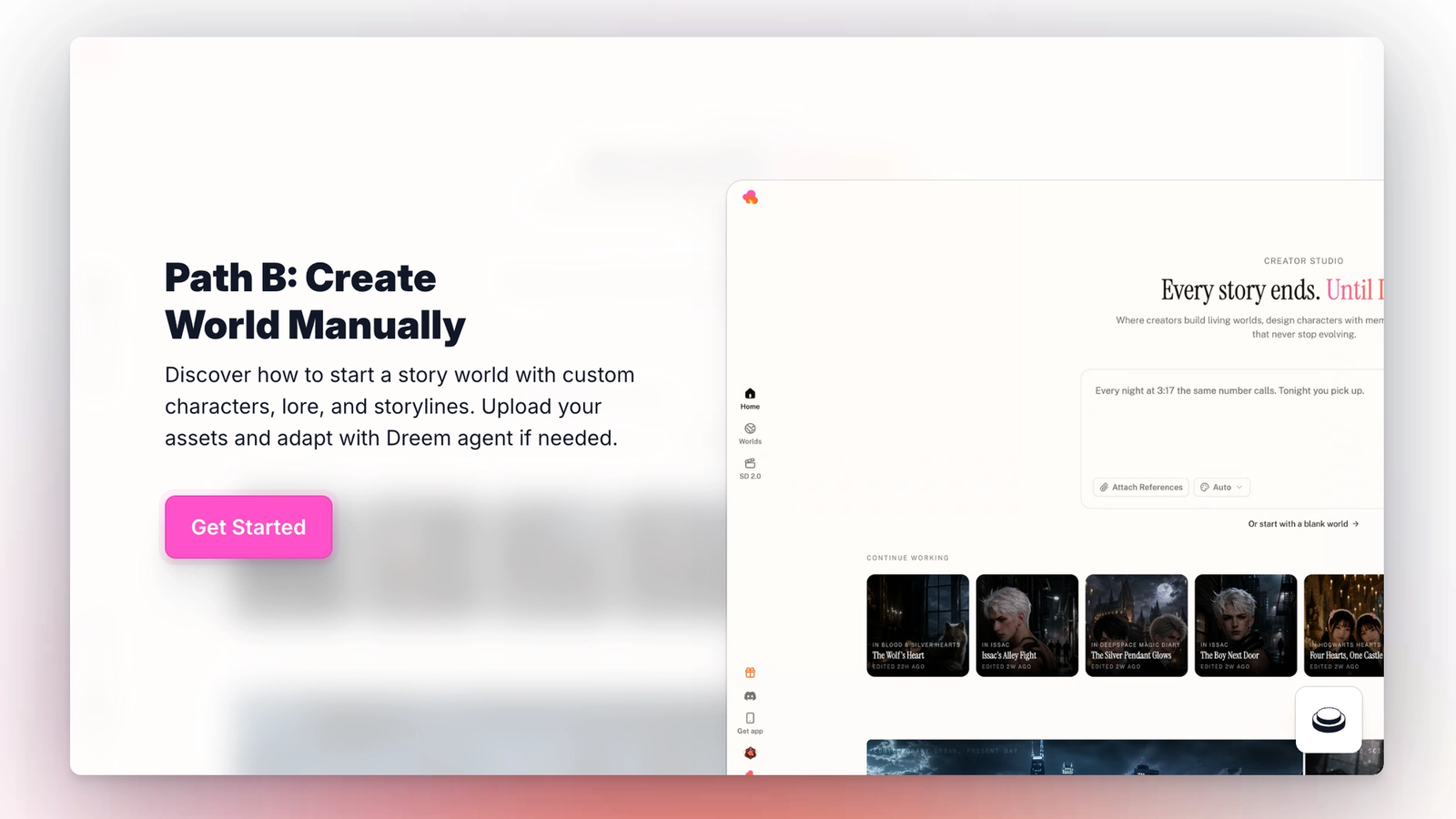
On the home page, below the input box, there is a link labeled "Or start with a blank world." Clicking it creates a new empty World and opens it in the World Builder.
An alternative entry point is the Worlds tab. Clicking "+ Build World" in the top right opens the same input box, where "Or start with a blank world" is again available. Both paths lead to the same result.
Editing world details
A new World opens with the name "Untitled World" and no other details filled in. The Edit World button on the right opens the details panel. The panel has two tabs: Details and Lore.
The Details tab holds the surface information about the World: cover image, title, logline, era, genre, and tags. The title is what other creators and viewers see first. The logline is a one-sentence hook that appears under the title on the World page. Era and genre help the Agent understand context when generating later assets. Tags are searchable metadata that help the World appear in the Explore tab.
The cover image can be uploaded, generated with AI using the Generate with AI button, or left blank. A cover is not required to save the World but is recommended before publishing.
Writing lore
The Lore tab is a single free-form text field, up to 5,000 characters. This is where world rules, history, factions, magic systems, technology limits, and any other background information belong.
Lore is used by the Agent when generating characters, locations, and story scripts. A World with detailed lore will produce more consistent characters and story beats. A World with minimal lore will produce more generic output that leans on genre defaults.
For large worlds, lore can be developed iteratively. Start with a few key rules, generate a character or scene, refine the lore based on what feels off, then generate more.
Adding characters manually
The Characters tab inside the World holds every character. Clicking "+ Add Character" opens the Build a Character dialog. The dialog offers two paths: describe the character in text and click Build to have the Agent generate them, or click "Or start with a blank character" to create one from scratch.
Blank characters open the character editor with all fields empty. Every field can be edited manually or filled in later with the Dreem Agent in the right-hand panel.
Adding locations manually
The Locations tab works the same way as Characters. Clicking Add Location opens a dialog to name the location. Location images can be uploaded directly, generated on Dreem, or left as placeholders until later.
Moving into Storylines
Once at least one character and one location exist in the World, the Storylines tab becomes the next step. Storylines are covered in Chapter 5: Story Nodes.