Getting Started with Creator Studio
Dreem Team · July 11, 2026
Creator Studio is a web-based tool for building interactive video stories on Dreem. This chapter covers the home page, navigation, and account setup. Creation begins in the next chapters.
The home page
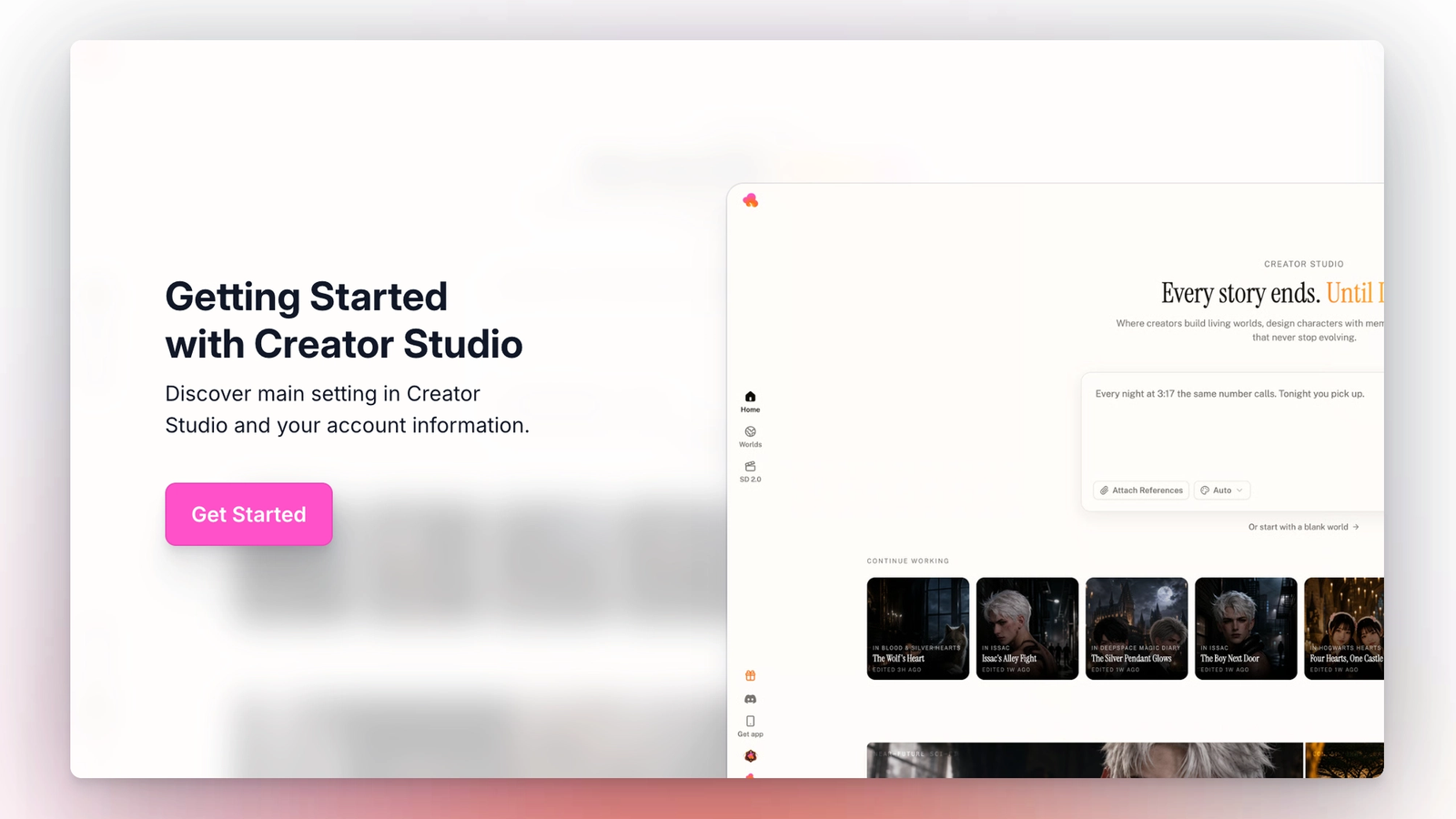
The home page is the starting point for every creation session on Creator Studio. It contains four sections.
The top of the page is the input box, where new Worlds are started. A short prompt entered here triggers the Agent to build a full story. The input box is covered in detail in Chapter 2: Path A.
Below the input box is the Continue Working row. Any World that has been previously opened appears here as a card, sorted by most recently edited. Clicking a card returns to that World.
The Explore and Inspiration tabs sit below Continue Working. These show published Worlds by other creators. Explore lists all public Worlds. Inspiration is curated. Both tabs can be filtered by genre using the Genres dropdown, or searched by name using the search bar on the right.
The left navigation contains Home, Worlds, and the profile menu. It is visible on every screen inside Creator Studio.
The Worlds page
The Worlds section is separate from the home page and holds every World the account owns. It has two areas: Continue Working at the top (the same row as on the home page), and Your Worlds below it.
Your Worlds shows every World created by the account, sorted by last updated. Each card displays the World's cover, name, character count, location count, and story count. Cards are tagged Draft, Published, Private, or Member depending on status.
Referrals
The gift icon in the left nav opens the referral panel. Each account has a unique referral code that can be shared as a code or a link. Anyone who joins using the code gets Creator Studio access.
Dreem creator server
The Discord icon in the left nav opens an invite to the official Dreem creator server. The server is used for product updates, feature previews, and creator support.
Account Setting
See your account information and current plan in your account setting.